Near or far
Follow local text files, remote logs over SSH, and systemd journals in one desktop app.
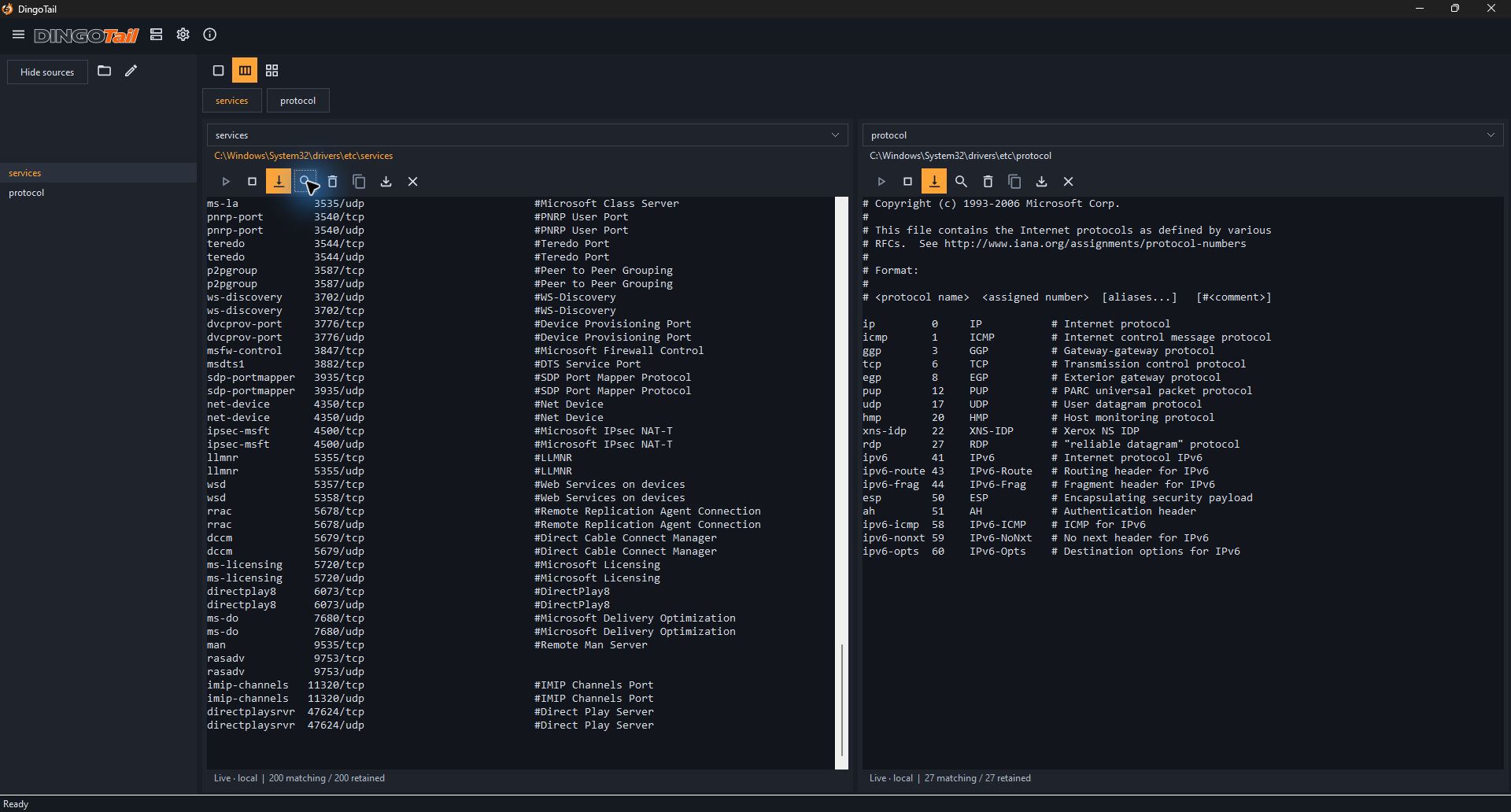
Local files, SSH logs, and systemd journals. Side by side, filtered and highlighted your way.
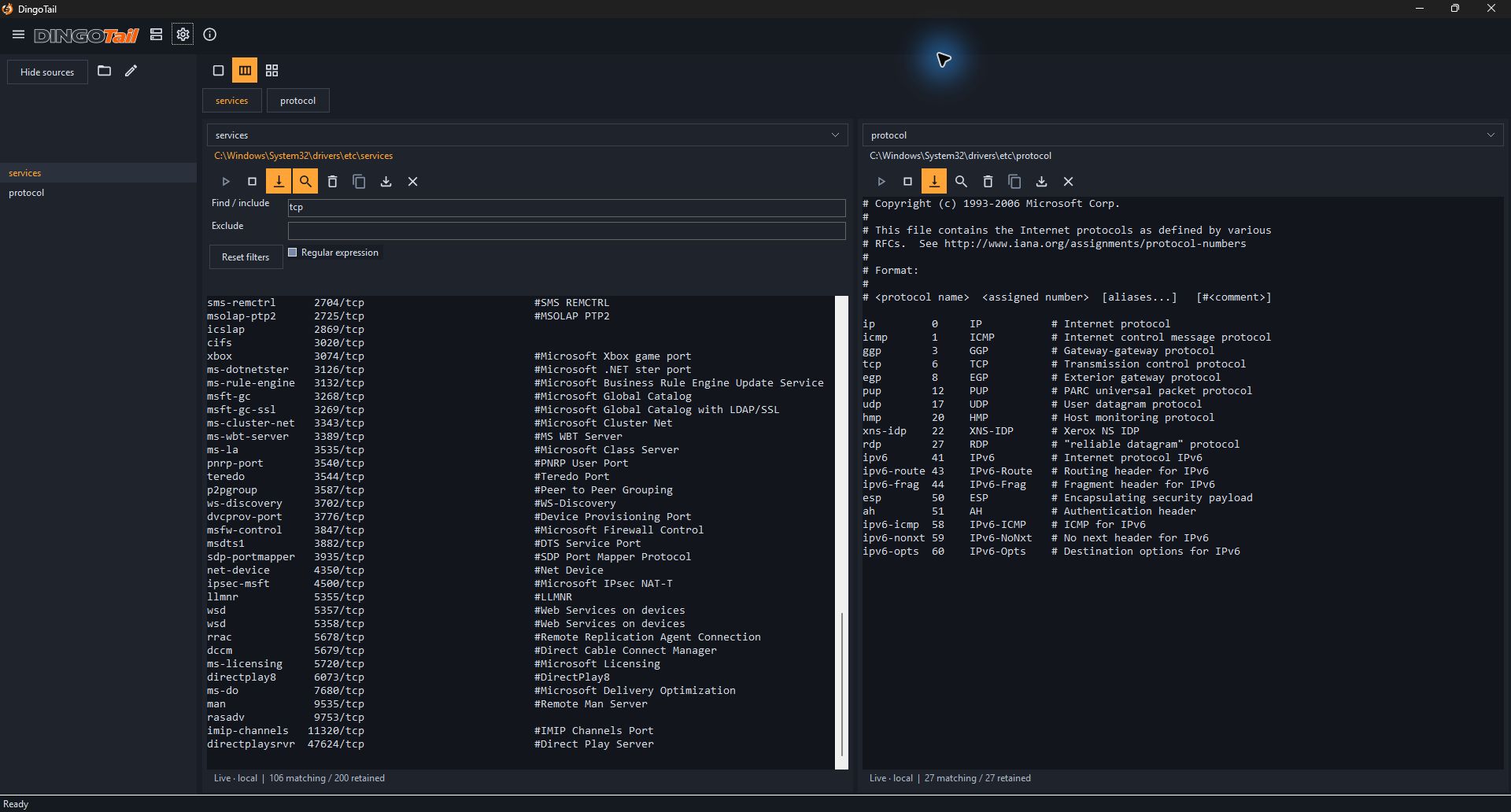
Bring your sources together and focus on the lines that matter.
Follow local text files, remote logs over SSH, and systemd journals in one desktop app.
Switch between one, two, or four panes to keep related sources side by side.
Include or exclude lines with text or regular expressions. Filter each source independently.
Give errors, warnings, and your own patterns distinct colors with ordered highlighting rules.
Start or stop readers, pause to inspect a line, and return to live follow when you’re ready.
Copy a selected line or export your filtered retained history for the next step.
Two editions. One purpose.
A native Windows experience or a cross-platform workspace. The same focus on your logs.

Built for Windows desktops and virtual machines, including environments without GPU acceleration.
 Explore Windows Native on GitHub ↗

Bring the DingoTail workspace to Windows, Linux, and macOS with the Rust edition.
Real views of both editions. Select any screenshot to explore it full size.
Choose Windows Native for a Windows-focused experience, including VMs without GPU acceleration. Choose Rust Cross-platform for Windows, Linux, or macOS.
Local text files, remote files over SSH, and systemd journals. Keep related sources together and filter each independently.
Yes. Both editions’ code is available under GPL-3.0-only. The project name and artwork have separate branding terms.
Each edition’s GitHub repository has setup instructions, release details, and source code.